Set up a device before it leaves your hands
Clear walkthroughs for the controls already built into phones, tablets, computers, TVs and home broadband.
Free online safety guidance for UK families
Choose what is on your mind and your child's age. We will point you to practical guidance you can use today, calmly and without judgement.
Pick the closest match. You do not need to know the right technical words.
Your next step
Pick the thing that's on your mind. Add an age if it helps, and we'll point you to the most useful place to begin.
See all practical guidesChoose your route
Online safety can feel like one enormous subject. We have grouped the guidance around the job you are actually trying to do.
Clear walkthroughs for the controls already built into phones, tablets, computers, TVs and home broadband.
Start with what you have noticed, then get practical steps for conversations, settings and support.
Priorities change quickly. Jump to advice that matches your child's stage, from first screens to teenage independence.
Chatbots, deepfakes and AI homework tools can be confusing. Our AI hub turns the noise into calm, practical conversations and checks.
Guidance that grows with them
Start with the stage that best fits today. You can always move between age guides as things change.
Build healthy first habits around screens, safe apps and watching together.
Guide for under 5sSupport growing independence across games, YouTube and first devices.
Guide for ages 6–10Navigate group chats, social media, privacy and the pressure to fit in.
Guide for ages 11–13Prepare for digital adulthood with trust, boundaries and honest conversations.
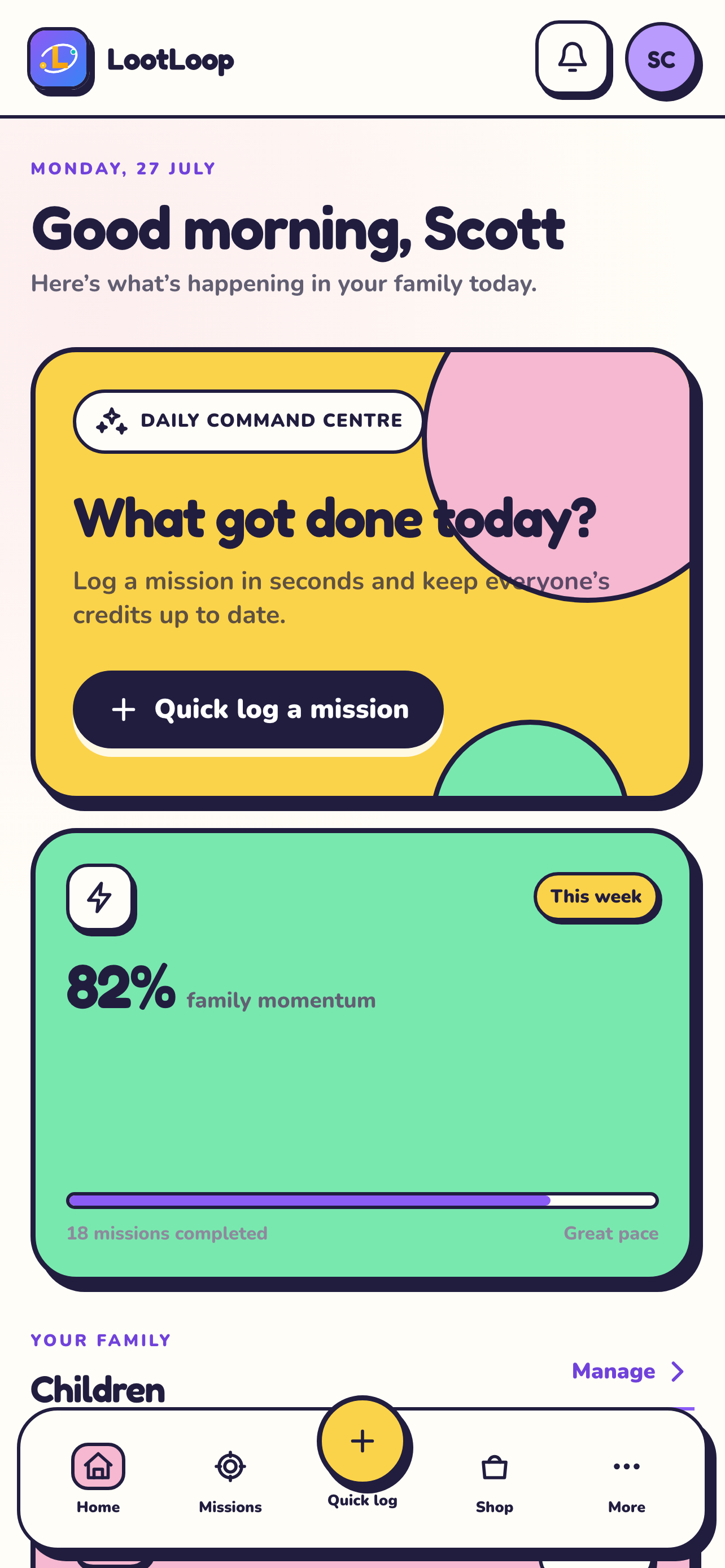
Guide for ages 14+Turn everyday jobs into clear missions. Children earn credits towards rewards your family chooses.
Download now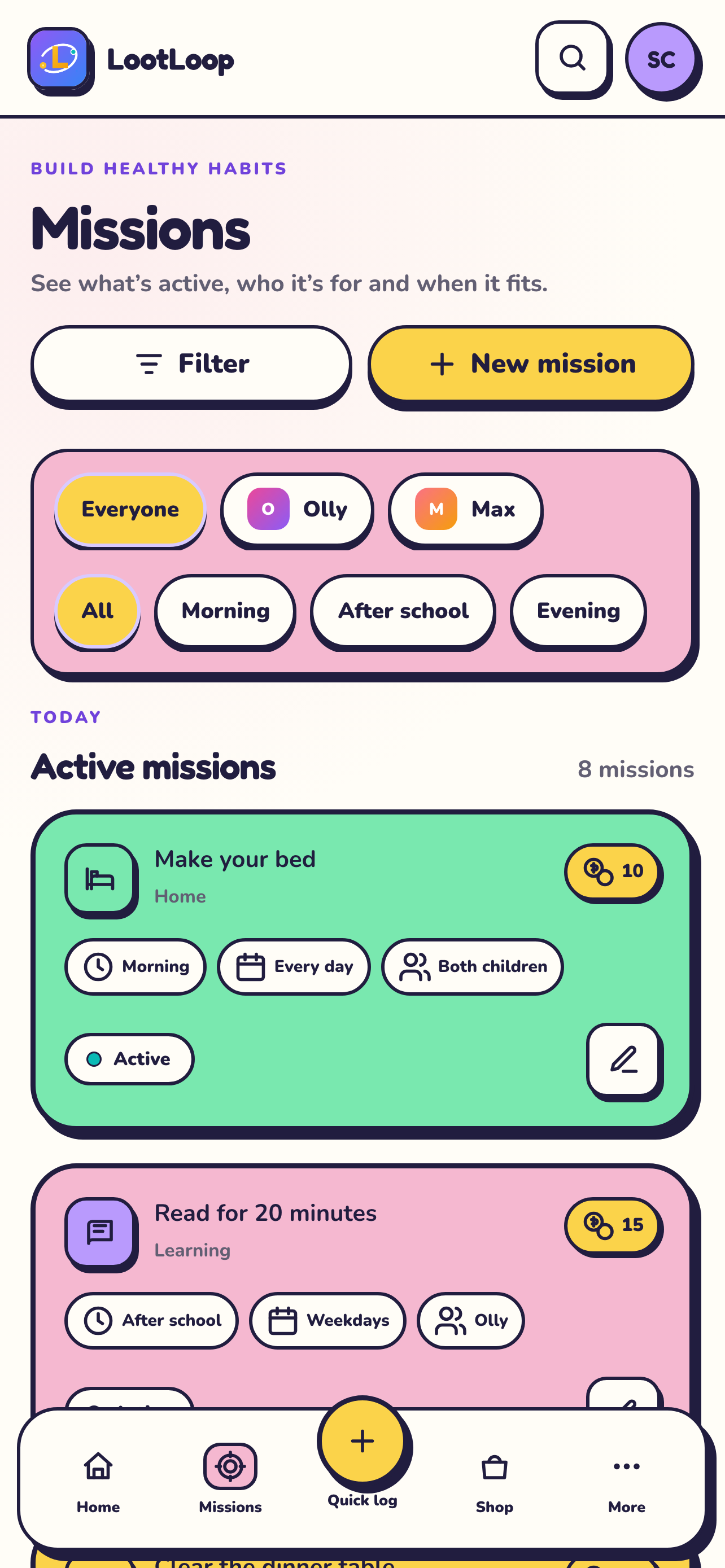
Our guidance is informed by established public resources. These independent organisations are also useful places to find specialist information and support.
Worth knowing now
A plain-English guide to Apple Screen Time on a child's iPhone or iPad: the setup order that works, the passcode mistake most parents make, and what changes this autumn.
Read the guideThe old tricks (count the fingers) are failing. Here is what actually works now for checking whether an image is AI, and how to teach your child to do it.
Read the guideGoogle Family Link handles screen time, app approvals and location on Android. Here is what it genuinely controls, what it misses, and the rule change at 13.
Read the guideAnswer two quick questions and we will point you towards a sensible first step. You can also build a family agreement together when you are ready.
Essential cookies keep the site running. Analytics cookies are optional and only used with your permission. Privacy Policy
 LootLoop