Digital safety for children (6-10)
As children start exploring the digital world more independently, they need the right guardrails. Practical guides for primary school age.
Top Safety Concerns for Ages 6-10
Gaming Chat
Strangers can contact children through in-game chat in Roblox, Minecraft, and Fortnite.
Recommended: Disable chat or set to friends-only mode
In-App Purchases
Children may accidentally (or intentionally) spend money on virtual items.
Recommended: Require password for all purchases
YouTube Content
The algorithm can suggest increasingly inappropriate content.
Recommended: Use YouTube Kids or enable Restricted Mode
Screen Time Balance
Finding the right balance between digital and physical activities.
Recommended: Set consistent daily limits with built-in breaks
Safety Guides for Ages 6-10
First Smartphone Safety Setup
Complete guide to setting up your child's first phone with appropriate controls.
Read GuideRoblox & Minecraft Safety
Protect your child in the most popular games for this age group.
Read GuideSafe Search & Web Browsing
Set up Google SafeSearch and browser-level protections.
Read GuideManaging Screen Time
Age-appropriate limits and tools to balance screen time with other activities.
Read GuideIn-Game Chat & Stranger Danger
Teaching children about safe communication in online games.
Read GuideFamily Device Agreements
Create age-appropriate rules and expectations for device use.
Read GuideChildren aged 6-10 are naturally curious and eager to explore. The key is to establish clear boundaries while maintaining open communication. Regular check-ins about their online activities build trust and help you spot potential issues early.
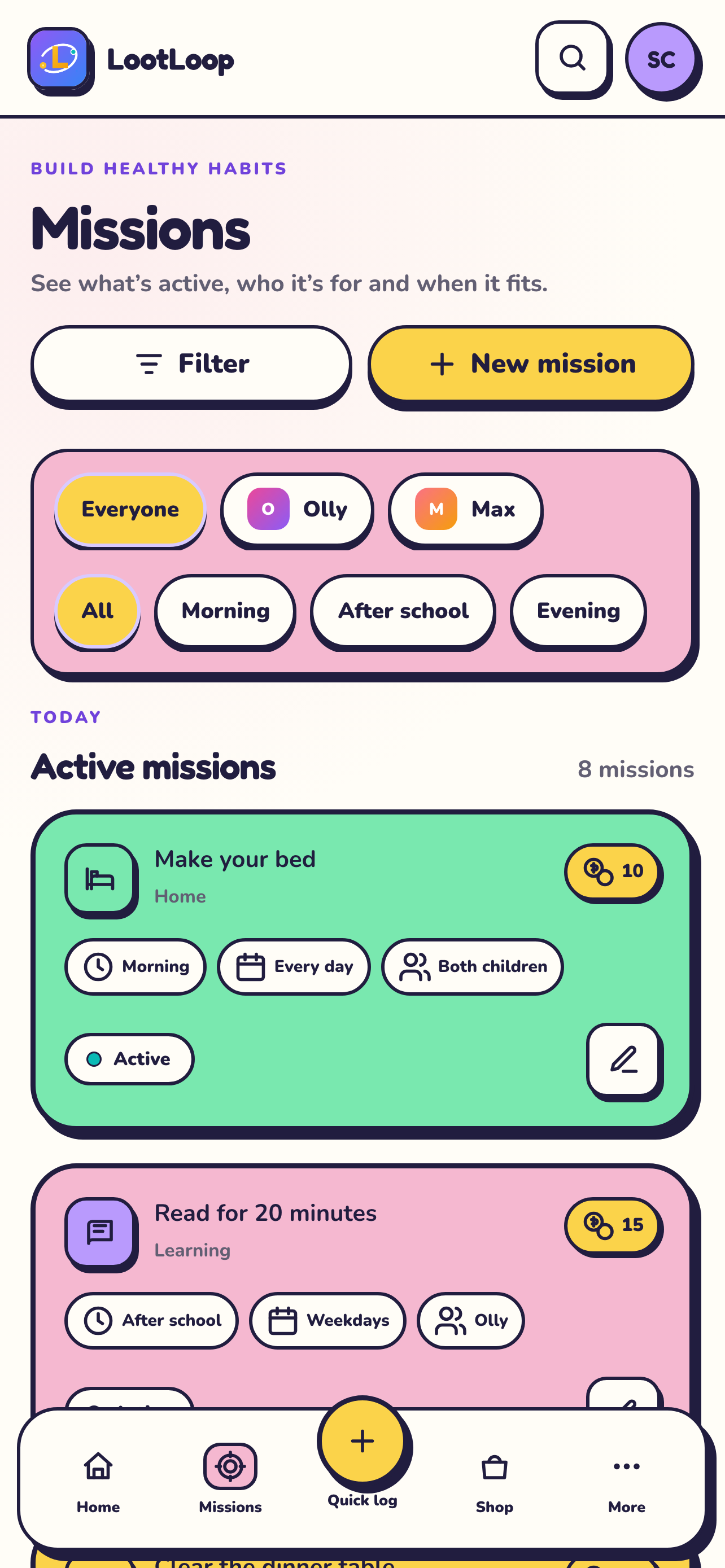
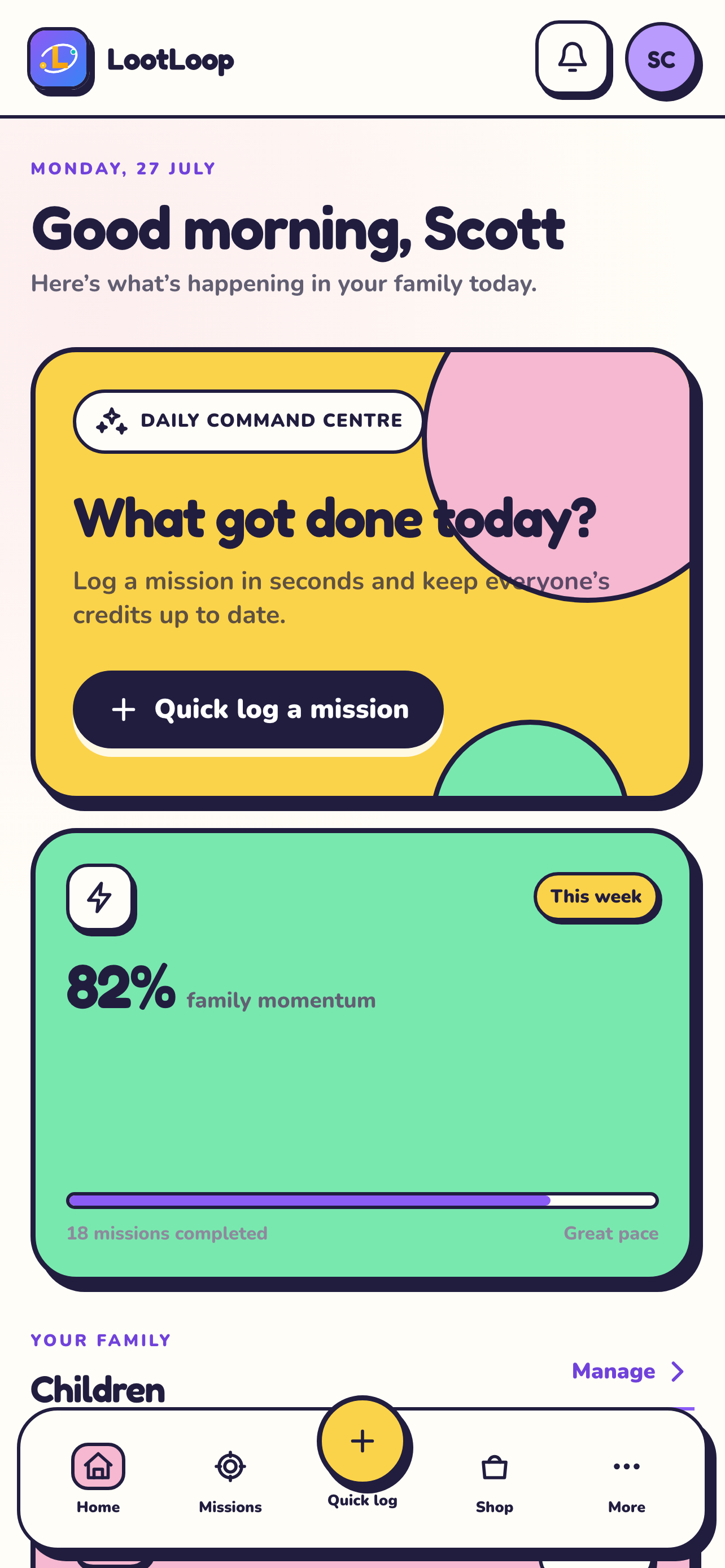
 LootLoop
The end ofnagging.The start ofearning.
Turn everyday jobs into clear missions. Children earn credits towards rewards your family chooses.
Download now